
Branding
Flytower can wear your society's or community's name and colours instead of its own, without changing any code. Set it on System, Branding. Saving asks for your passkey.
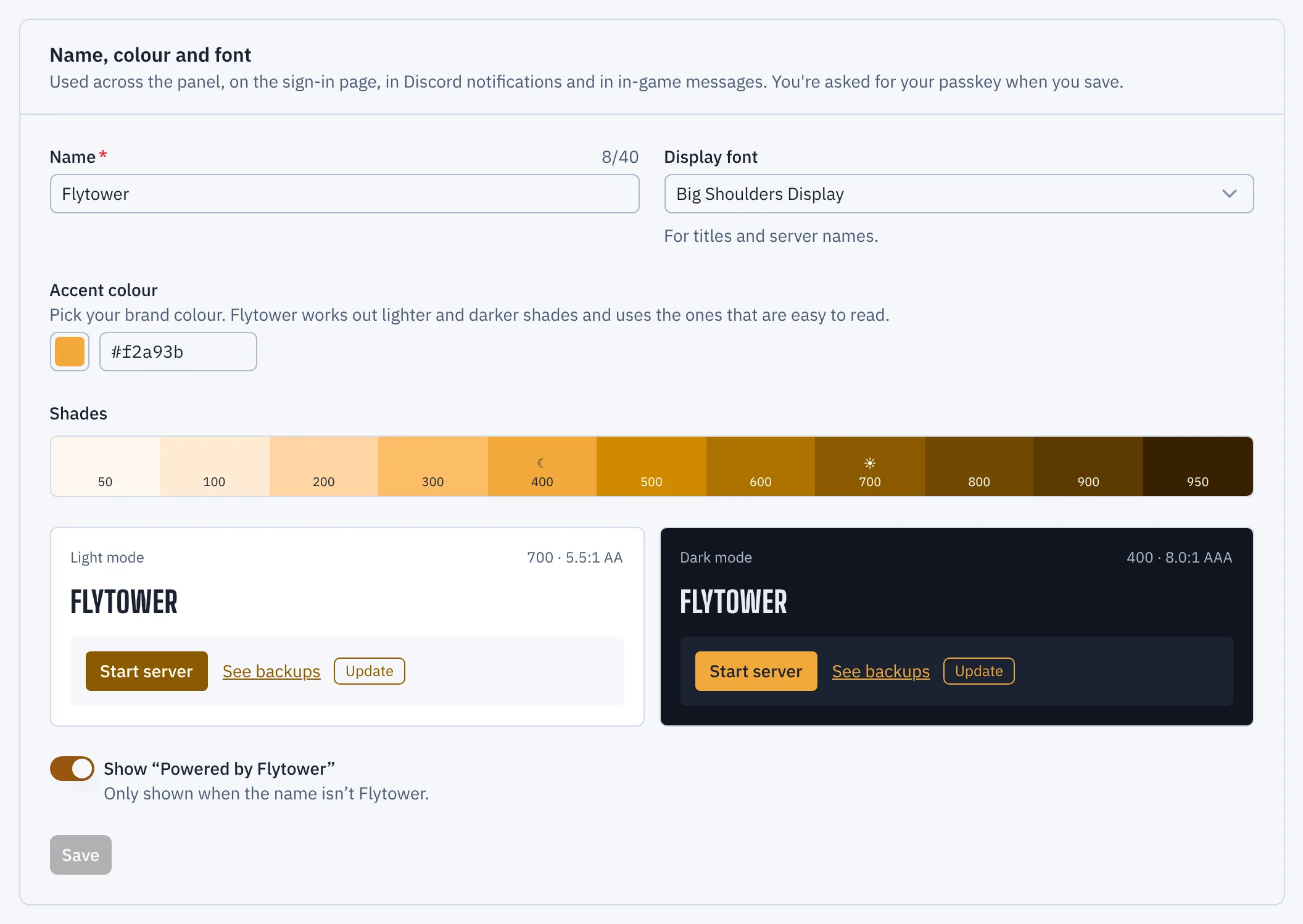
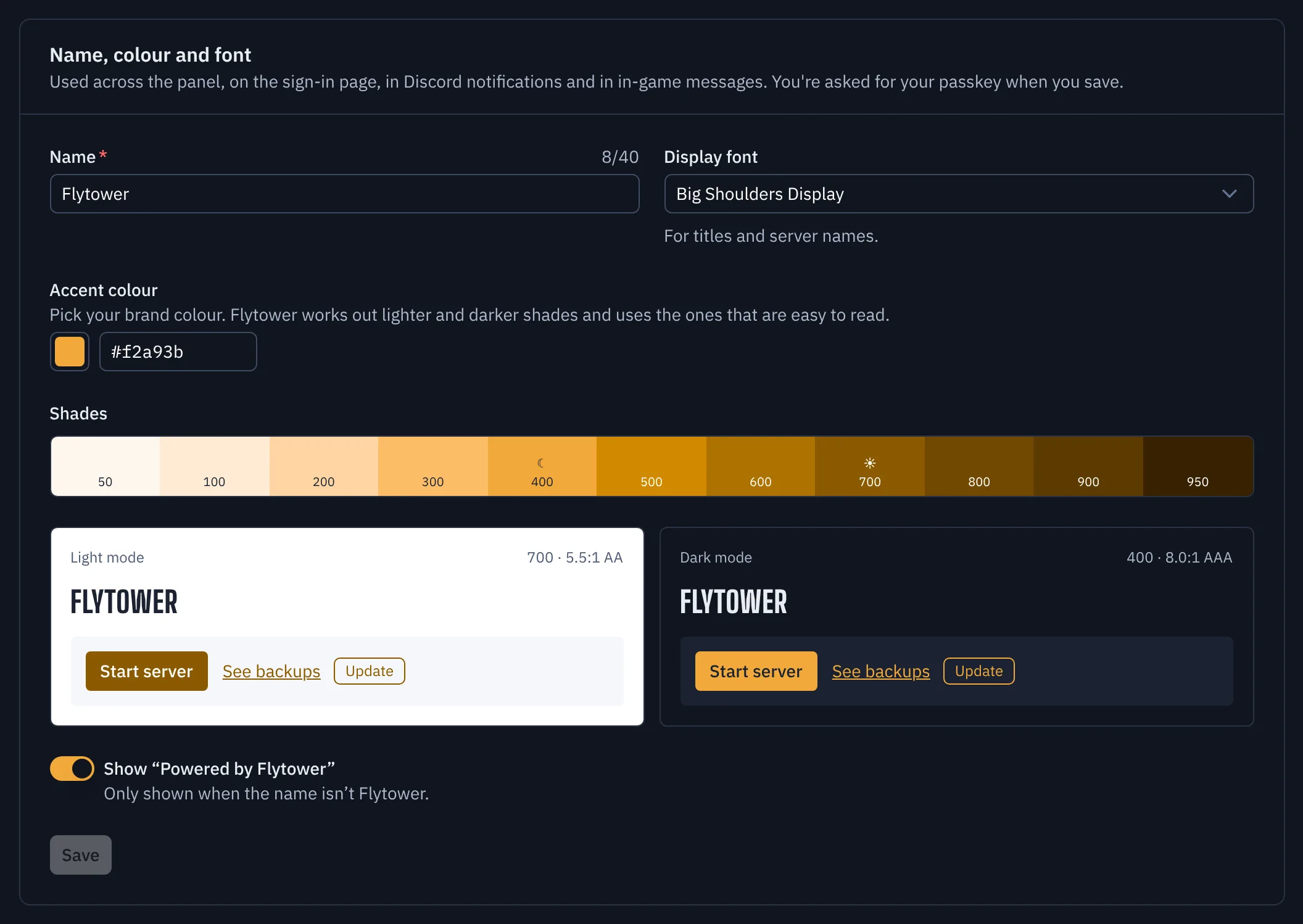
- Name
- Accent colour
What you can change
- Name: up to 40 characters. It replaces "Flytower" in the menu, on the sign-in page, in browser tab titles, as the name on Discord notifications and in passkey prompts.
- Accent colour: your brand colour, as a hex code like
#2f6fd0or from the picker. See below for how it's used. - Display font: the face for titles and server names. Choose from Big Shoulders Display (Flytower's own), IBM Plex Sans, Fraunces (a serif) or Space Grotesk. All of them are bundled with Flytower, so nothing is loaded from Google or anywhere else. Body text and the console stay in IBM Plex.
- Logo: shown next to the name in the menu and on the sign-in page.
- Favicon: the browser tab's icon. Without one, the logo is used.
- Powered by Flytower: a small line under the menu and on the sign-in page. It only shows when your name isn't Flytower, and you can turn it off.
Reset to Flytower puts everything back and deletes uploaded images.
Branding is stored in Flytower's database, so it's kept through updates and travels with the database.
Colours and contrast
You pick one colour. Flytower works out a full range of lighter and darker shades from it, keeping its hue, with your exact colour as one of them. The form shows the range.
Then, for light mode and for dark mode separately, it uses the shade nearest your colour that's easy to read: at least 4.5:1 contrast (WCAG AA) against the page and card backgrounds, and against the text on a coloured button. So a dark navy is used as it is on the light theme, and a lighter navy on the dark theme. The preview shows both, with the shade and contrast ratio each uses.
Status colours (green for running, amber for starting, red for crashed) and warnings never change, so a red brand won't make a healthy server look crashed.
Logos and favicons
Upload an SVG or PNG. It's cleaned before it's kept:
- SVG: rebuilt from shapes, gradients, text and simple filters only. Scripts, event handlers, embedded images and web pages, links to other files, animations and editor metadata are taken out. Files with a
DOCTYPEare refused. The SVG needs aviewBox(or a width and height) so it can be scaled. If your design tool's export is refused, export it again as "plain" or "optimised" SVG. - PNG: up to 1024 pixels on each side. Text, EXIF and other metadata are removed, so nothing like a camera location or an author's name is published.
Once cleaned, an image can be up to 256 KB. Logos are shown at about 28 pixels high in the menu and 40 on the sign-in page, so a square or slightly wide mark works best. Uploaded images are public, like the sign-in page, since that page shows them before anyone signs in.
Where else it shows
- Discord: notifications are posted under your name, and the footer reads "Name · server". If your logo is a PNG and the panel has a domain, it's the webhook's avatar too (Discord can't show SVG avatars). Discord doesn't allow names that mention Discord, so those post as Flytower. The colours down the side of each message still mean how serious it is.
- In-game: scheduled announcements and restart warnings use your accent colour instead of gold.
- Passkeys: the prompt to create or use a passkey names your panel. Existing passkeys keep working.
- The public status page (coming in 1.2) uses the same name, colours and logo.
For other tools
GET /api/branding returns the name, colour, the shades used in each mode, the font and the logo and favicon addresses as JSON, without signing in. /branding/theme.css is the stylesheet every page loads; it's empty while the colours and font are Flytower's own.
Backups
Everything here is on a server's World tab, which opens on .
Mods, plugins and datapacks
A server's Content tab lists what it runs. Add content searches the sources Flytower trusts. Everything you add goes into a plan first, and every download is checked against the hash its source publishes, so a tampered file is refused.