
Notifications
Flytower can tell you when something needs attention, so you don't have to watch the panel. It sends to a Discord channel, to your phone through ntfy, or to anything else as a signed JSON webhook.
Set them up on System, Notifications. Each place Flytower sends to is a channel. You can have as many as you like, each with its own events and servers: for example, problems to an admins' Discord channel and joins to a public one.
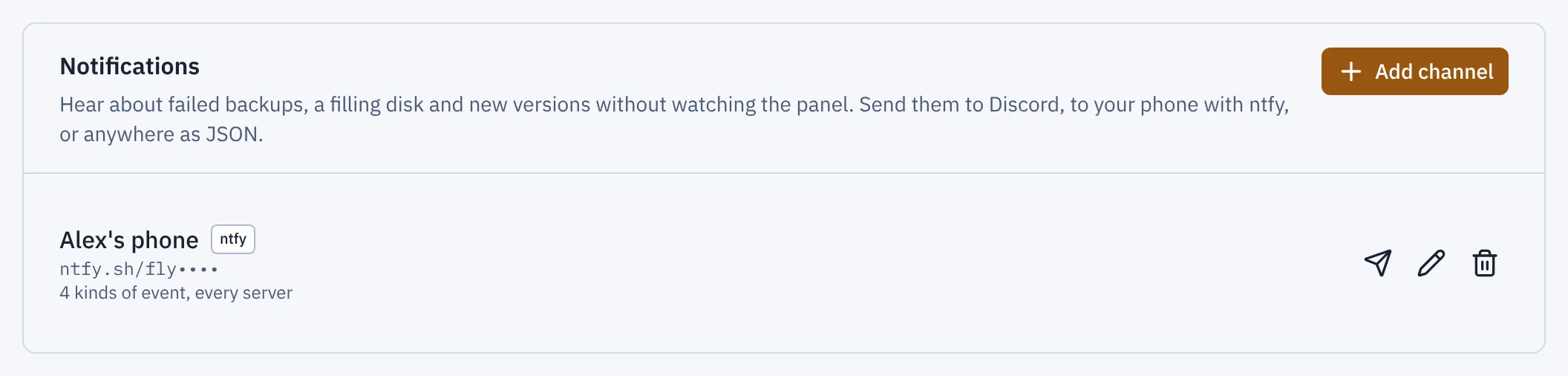
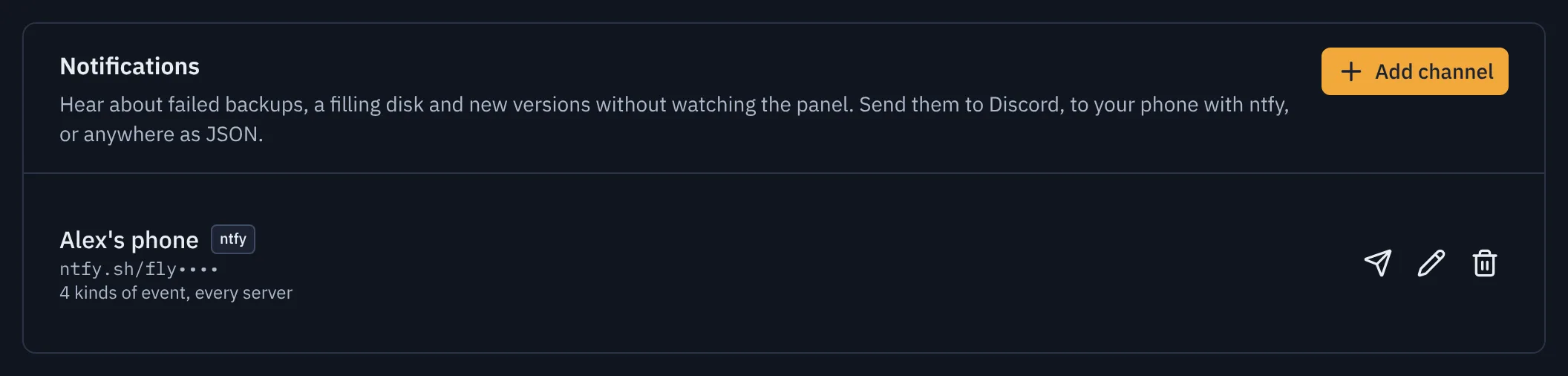
- Add channel
What you can hear about
| Group | Event | When |
|---|---|---|
| Problems | A server crashed | As it happens (Flytower follows systemd), with the cause. "Back up" follows once it's running. |
| Problems | A server kept crashing and was left stopped | After three crashes in ten minutes. See Crashes. |
| Problems | A server stopped responding | Its console hasn't answered for five minutes. "Responding again" follows when it does. |
| Problems | A backup failed | A manual or scheduled backup fails. A "working again" message follows the next good backup. |
| Problems | Copying a backup off-site failed | An off-site copy fails twice in a row (one blip that the retry fixes stays quiet), and when it works again. |
| Problems | A scheduled restart, command or announcement failed | It failed, or was skipped because a backup or change ran for ten minutes. See Scheduled tasks. |
| Problems | The disk is nearly full | Once at 85%, once more at 95%, and "back to normal" when it drops below 80%. |
| Updates | A new version of Flytower is out | Once per new version on your update channel (betas only on Beta). Flytower checks every six hours. |
| Updates | Updates for installed mods, plugins or datapacks | Once per server per new set of updates, from the same check as the Content tab. |
| Activity | A server started or stopped | The moment players can join, and the moment it starts shutting down, however it happened. |
| Activity | A server restarted from the panel | "Restarting" when you press Restart, then "Restarted" once players can join again. |
| Activity | A player joined or left | The moment it happens. |
New channels start with the problems and updates ticked, and the activity left off. Channels made before crash alerts and scheduled-task alerts existed get them ticked if they already had any problem ticked.
How activity is noticed. Flytower reads each server's own log (logs/latest.log) and Linux tells it the moment a line is written, so nothing is checked on a timer and no mod or plugin is needed. "Server started" means the log said Done (…)! For help, type "help", which is when players can actually join. "Server stopping" means it said Stopping the server. A restart from the panel sends "Restarting" and "Restarted" instead of a stop and a start. Chat can't fake any of these: a player typing "Steve joined the game" doesn't count. Crashes come from systemd's journal instead, since a crashed server may not get to write anything; see Crashes.
Quiet periods. The same problem on the same server is sent at most once every 30 minutes (ten for crashes), so a backup that fails every hour doesn't flood the channel. Once a problem has cleared, the next one is sent straight away. Updates are sent once per version. Activity isn't held back.
Servers. Leave Servers empty to hear about every server, including ones you create later, or pick some. Machine-wide events (the disk, Flytower updates) go to every channel that has them ticked.
Discord
- In Discord, open the channel's settings (the cog), then Integrations, Webhooks, New Webhook.
- Name it (Flytower sends as "Flytower" anyway) and Copy Webhook URL.
- In Flytower: Add channel, Send to Discord, paste the URL, tick what you want, Send test, then Add.
Messages are embeds coloured by how serious they are (red for problems, amber for warnings, blue for news, green for "back to normal"). The title links back to the right page of the panel. Player names can't ping anyone: Flytower turns off mentions on every message.
ntfy (phone push)
ntfy sends push notifications to its phone app with no account needed.
- Install the ntfy app and subscribe to a topic. On the public ntfy.sh server, anyone who knows a topic's name can read it, so make it long and hard to guess, like
flytower-7f3k2q9x. - In Flytower: Add channel, Send to ntfy, and enter
https://ntfy.sh/your-topic. - If you run your own ntfy server with access control, put an access token in Access token.
Problems arrive as high or urgent priority, and tapping one opens the panel.
JSON webhook
For anything else (Slack through a workflow, Home Assistant, your own script), Flytower POSTs each event as JSON:
{
  "version": 1,
  "id": "8d2babc4-494b-4b97-b835-a6b70a3da5b2",
  "kind": "backup.failed",
  "severity": "critical",
  "title": "A scheduled backup failed",
  "detail": "Not enough disk space: this needs up to 2.1 GB and only 1.4 GB is free.",
  "server": { "name": "survival", "displayName": "Survival" },
  "link": "https://panel.example.com/servers/survival/backups",
  "at": "2026-11-10T03:00:12.512Z"
}
kind is one of backup.failed, offsite.failed, disk.full, update.flytower, update.content, server.started, server.stopped, server.restarted, player.joined, player.left or test. severity is critical, warning, info or ok ("back to normal"). server is null for machine-wide events.
Headers: X-Flytower-Event (the kind), X-Flytower-Delivery (the id, the same across retries) and, if you set a signing secret, X-Flytower-Signature.
Checking the signature. Use Generate for a secret, and keep a copy for your receiver. The signature is sha256= followed by the hex HMAC-SHA256 of the exact request body, keyed with the secret. Compare it in constant time before trusting the body. In Bun:
import { timingSafeEqual } from 'node:crypto'

const body = await req.text()
const mac = new Bun.CryptoHasher('sha256', secret).update(body).digest('hex')
const expected = Buffer.from(`sha256=${mac}`)
const given = Buffer.from(req.headers.get('x-flytower-signature') ?? '')
const ok = given.length === expected.length && timingSafeEqual(given, expected)
Answer with any 2xx status. Anything else counts as a failed delivery.
When delivery fails
Flytower tries each message four times over about two and a half minutes. If Discord says to slow down, it waits as long as Discord asks. An address that says it doesn't exist (404) or refuses the token (401, 403) isn't retried.
A channel whose last delivery failed shows the error in red under it on System, Notifications, until a message gets through. The error is also in the panel's log (journalctl -u flytower-panel). A failed notification never sets off another one.
Security
- Adding, changing and removing channels asks for your passkey, because they send information off the machine. Each change is in Activity.
- The address and any token or secret are stored encrypted, like off-site storage keys, and never sent back to the browser. The list shows a masked version (for example
discord.com/api/webhooks/1234…/••••) so you can tell channels apart. To change the address, type the new one in; leaving it blank keeps the saved one. - Messages say what happened and on which server, never passwords or file contents. Player names do appear in join and leave messages.
Web map
A server can have a map of its world that opens in the browser. It looks like the game's own maps seen from above, keeps up as players explore and build, and shows where everyone is while you watch.
People and roles
Flytower can have more than one person signing in. Each person has one or more roles, each for one server or for all of them. Roles add up: someone can be an Operator on every server and an Admin on one.