
Mods, plugins and datapacks
A server's Content tab lists what it runs. Add content searches the sources Flytower trusts. Everything you add goes into a plan first, and every download is checked against the hash its source publishes, so a tampered file is refused.
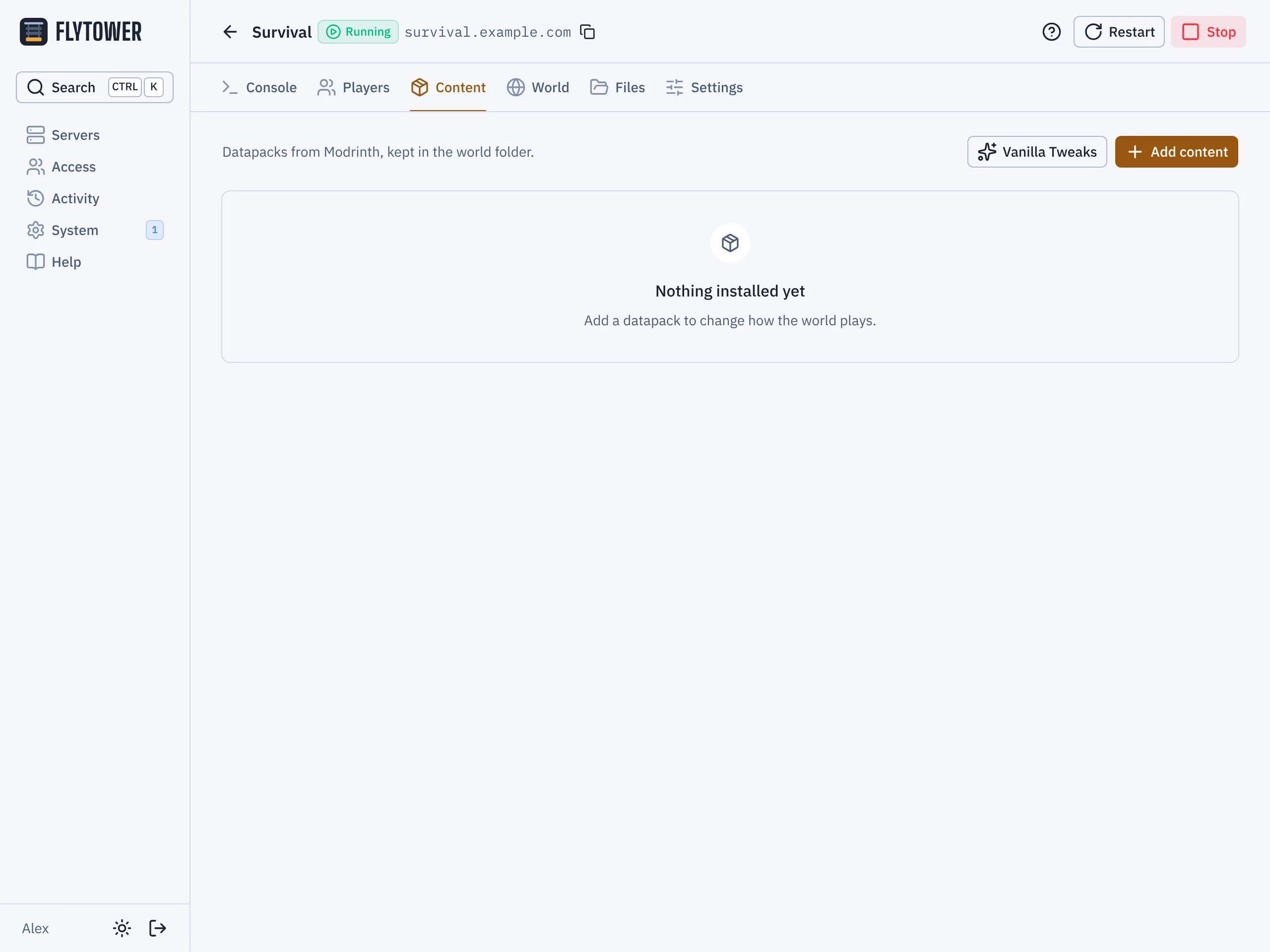
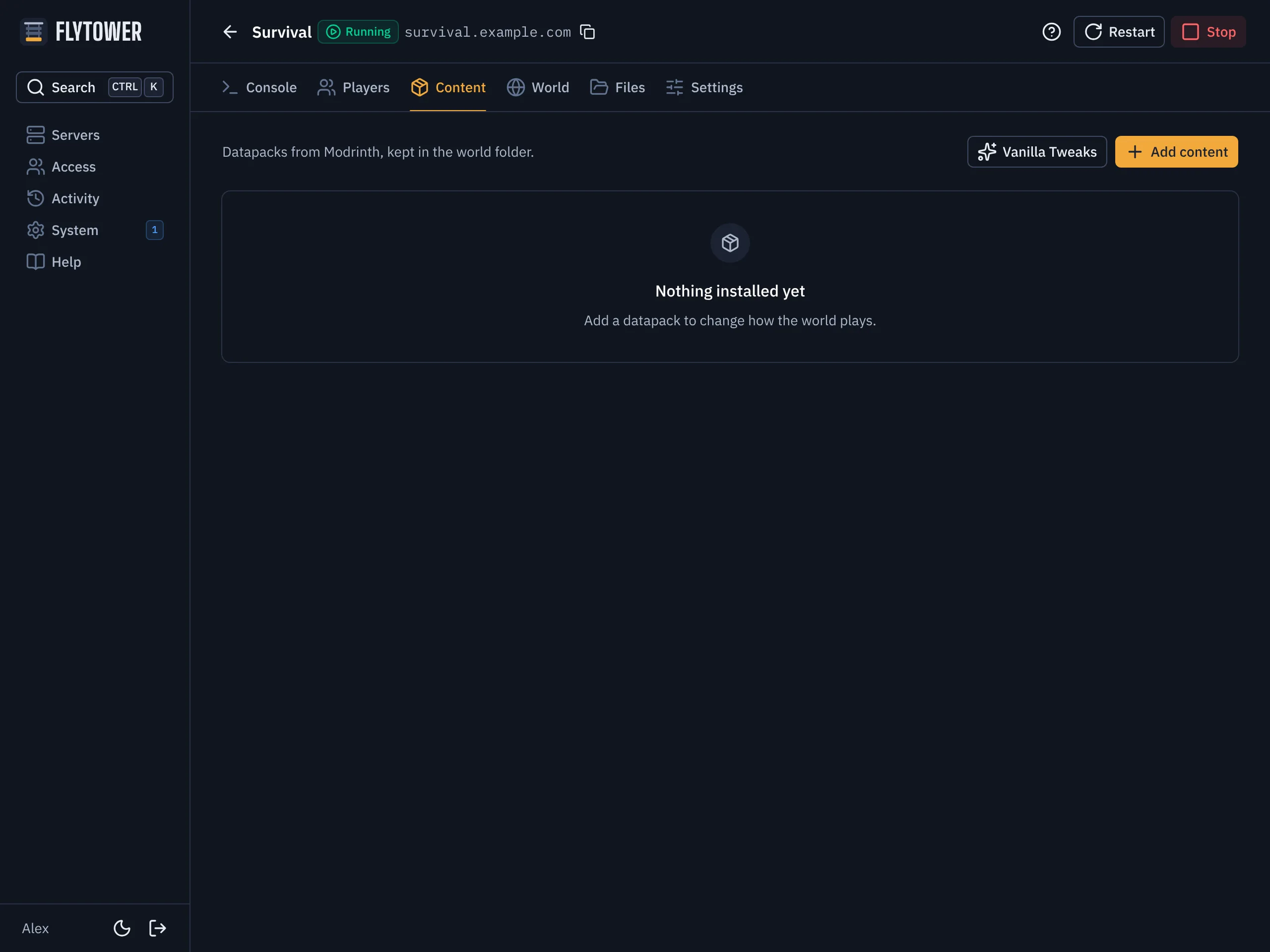
- Add content
- Vanilla Tweaks
What each loader runs
| Loader | Mods (mods/) | Plugins (plugins/) | Datapacks (world/datapacks/) |
|---|---|---|---|
| Vanilla | ✓ | ||
| Fabric | ✓ | ✓ | |
| Paper | ✓ | ✓ |
Sources
- Modrinth: mods, plugins and datapacks. Only versions made for your loader and Minecraft version are offered. Required dependencies (Fabric API, for example) come along by themselves, and are marked "Needed by …".
- Hangar: PaperMC's plugin repository, for Paper servers. Hangar dependencies come along too. Plugins that Hangar only links to on another site can't be checked, so they're refused; add them as a link instead (below).
- Vanilla Tweaks: tick the datapacks and crafting tweaks you want. Flytower builds the zip from Vanilla Tweaks just as their site does.
- A link: any
httpsfile with its SHA-256, in the YAML.
Client-only mods
Modrinth lets each author say whether their project runs on a server. Search leaves out the ones marked client-only, since most (minimaps, shaders, zoom) do nothing there. Some server mods need one anyway, and the marks aren't always right, so turn on Show client-only in Add content to see them, or list one in the YAML like anything else. A required dependency marked client-only comes along by itself too.
Either way, the plan shows a warning like "Modrinth marks Voxy as client-only. It's installed because you asked for it; remove it if the server won't start." The plan still applies, and the item is locked and checked for updates like any other.
Updates
Nothing updates by itself. The Content tab shows what's newer for your Minecraft version; update one item or all of them. Flytower also checks in the background every six hours and puts the number of updates on the server's card and its Content tab, and says when a newer Minecraft is out that everything installed is ready for. See Update badges. When you change the Minecraft version (Settings, Version), the plan moves every item to a build for the new version, and names anything that has none. The plan won't apply until you remove those.
Removing
Remove an item and anything that was only there for it goes too.
Files you add yourself
Jars and zips you put in mods/, plugins/ or datapacks/ yourself (through the Files tab or SFTP) are listed as added by hand. Flytower leaves them alone: it never updates or removes them.
The lockfile
Each server folder has a flytower.lock.json, listing exactly what's installed: the version, where it came from, and its hash. It's what lets Flytower tell its own files from yours. Leave it in place if you move the folder.
Branding
Flytower can wear your society's or community's name and colours instead of its own, without changing any code. Set it on System, Branding. Saving asks for your passkey.
Crashes
Flytower notices when a server crashes, tells you why, and stops a server that keeps crashing from restarting forever. It also spots a server that is still running but has stopped responding.