
Disk space
A full disk is one of the few things that can corrupt a Minecraft world: if the server can't finish writing a save, the region file it was writing can be left half done. Flytower shows where the space has gone and warns you well before it runs out.
Where the space has gone
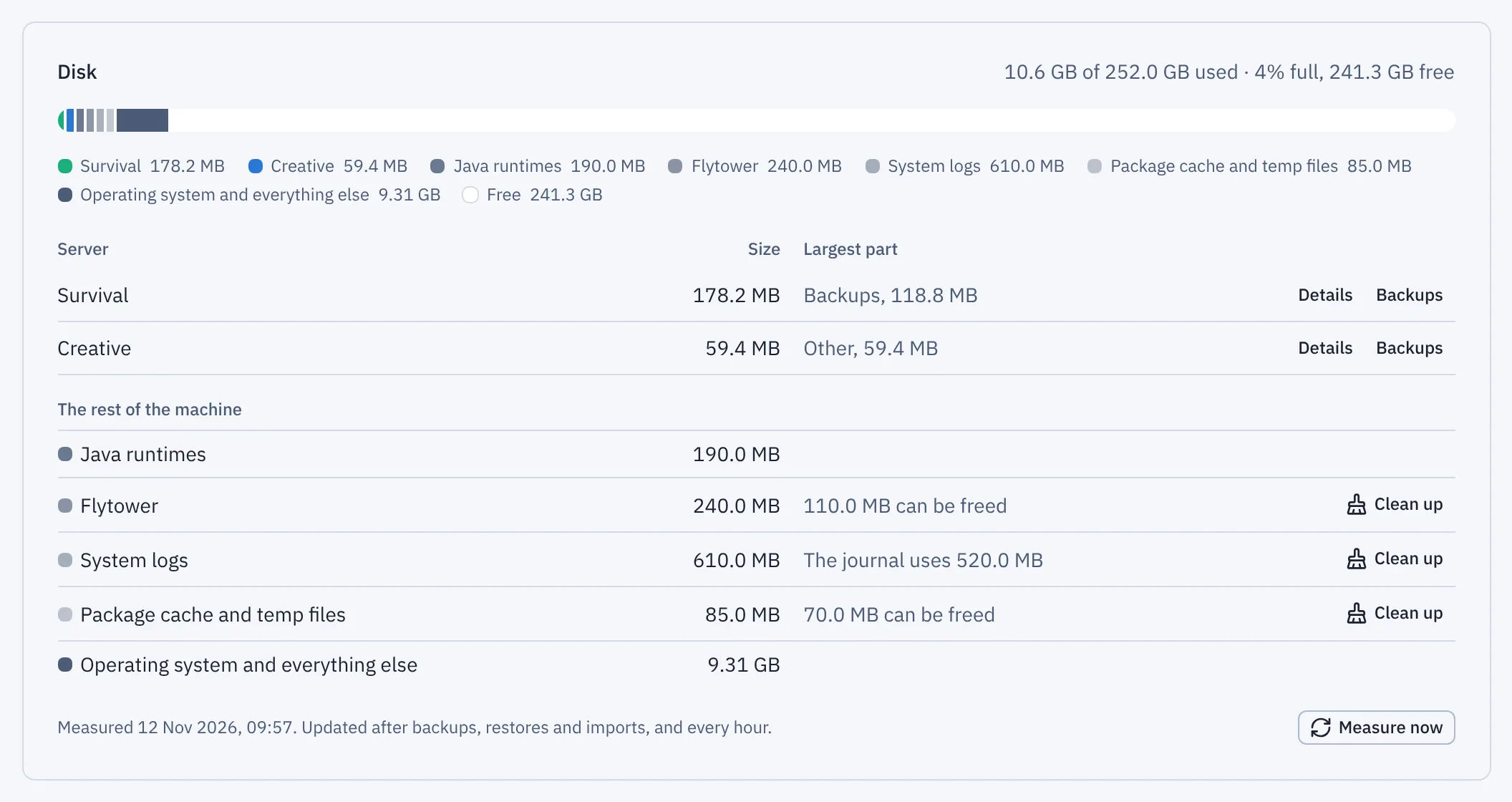
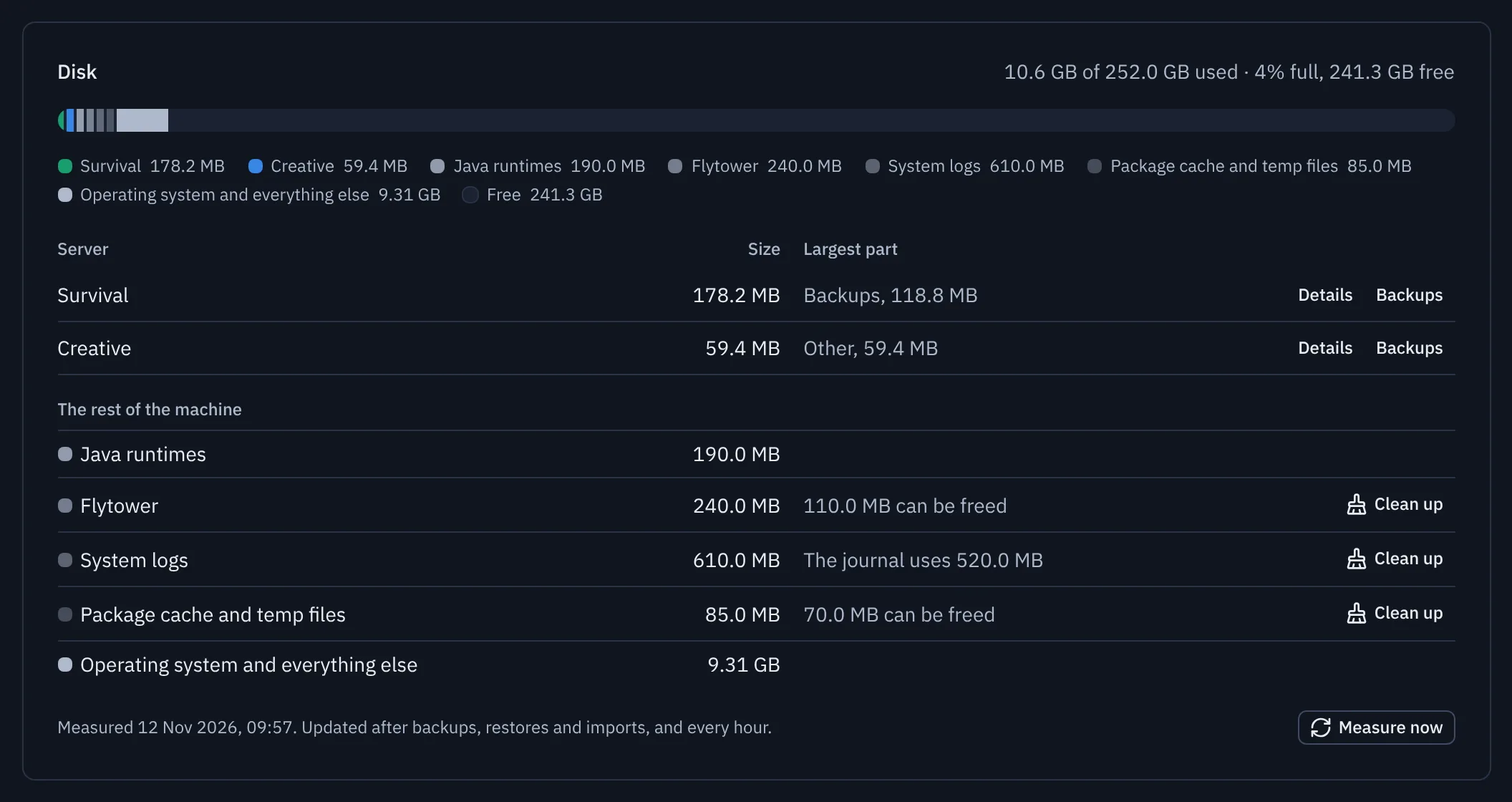
- Measure now
System, Overview, Disk shows one bar for the disk that holds your servers. Each server has its own colour, then imports and archives, then the rest of the machine in grey, then free space. Hover over a part of the bar to see its size.
The table under it lists each server's total and its largest part, with links to its details and its backups. A server's total includes its backups and world exports, since those are kept for it.
Under the servers, the rest of the machine is split into parts, in shades of grey so the servers keep their colours:
| Part | What's in it |
|---|---|
| Java runtimes | The Java versions Flytower installed for your servers, in /opt/flytower/runtimes |
| Flytower | Flytower itself, including the older version kept so you can go back, its settings in /etc/flytower and its database |
| System logs | The systemd journal and everything else in /var/log |
| Package cache and temp files | Packages apt has downloaded (/var/cache/apt), /tmp and /var/tmp |
| Operating system and everything else | Whatever's left: the operating system, programs you installed yourself, and anything else Flytower doesn't know about |
Only what's on the same disk as your servers counts. On many machines /tmp is kept in memory, so it shows as nothing.
If Flytower can't measure these (straight after updating from an older version, for example, before the helper has restarted), the rest of the machine shows as one System and other files part, as it used to.
Cleaning up
Three of the parts have a Clean up button, for people who can manage Flytower:
| Part | What it does |
|---|---|
| System logs | Shrinks the systemd journal to the size you pick (100 MB to 1 GB), deleting the oldest entries first. |
| Package cache and temp files | Clears apt's cache of downloaded packages. apt downloads them again if they're ever needed. |
| Flytower | Removes Flytower versions other than the one running and the one you can go back to, along with the copies of the database kept for them. |
Each one says how much it should free before you start, asks for your passkey, and is recorded in Activity with how much it freed. The disk is measured again straight after. Nothing is removed from /tmp, /var/tmp or the rest of /var/log: they belong to other programs.
Each server's Settings, Maintenance has a Disk use card that splits the server into:
| Part | What's in it |
|---|---|
| World | Every folder starting with world, and the folder named by level-name in server.properties |
| Backups | This server's backups, kept in /var/lib/flytower/backups/<name> |
| World exports | Zips made with World, Past worlds |
| Logs and crash reports | logs and crash-reports |
| Mods, plugins and config | mods, plugins and config |
| Web map | The server's web map, kept in /var/lib/flytower/maps/servers/<name> |
| Other | Everything else, such as the server jar and its libraries |
Sizes are what files really take up on the disk. Symbolic links aren't followed, and a file linked twice is counted once.
When it's measured
Walking a big world takes a while, so Flytower measures in the background, one server at a time, and pages show the last result. Flytower's system helper does the measuring, so it can read every folder, including ones the panel isn't allowed into. It's measured:
- straight after anything that changes a server's files: a backup, restore, world reset, world copy, export, import, or applying a spec;
- every hour, to catch everything else (the world growing as people explore, logs piling up);
- when you press Measure now on System.
The last result is kept, so the figures are there straight away after Flytower restarts. If Flytower can't read some of a server's files (Java's temporary files, for example), the figures say so, since the real total is a little higher.
How full the disk is, as a whole, is checked every minute along with the rest of the machine's metrics.
Warnings
| How full | What happens |
|---|---|
| 85% | System shows a warning, and a notification goes out if a channel has The disk is nearly full ticked. |
| 95% | A red banner shows on every page. Scheduled backups are skipped, a second notification goes out, and Back up now asks before it starts. |
| Below 80% | A "back to normal" notification goes out. |
A scheduled backup that's skipped doesn't start at all, so it can't fill the disk halfway through. It shows in the job list as "Skipped: the disk is 96% full…", and channels with A backup failed ticked hear about it. Backups carry on as normal once there's room. You can still back up by hand: Flytower warns you first, since the backup itself needs space.
Freeing up space
Old backups and world exports are the usual culprits.
- Lower how many backups each server keeps (World, Backups, Schedule), or delete old ones. Backups you took yourself are never deleted automatically.
- Delete world exports you've already downloaded (World, Past worlds).
- Deleted servers are kept as archives in
/var/lib/flytower-archive(before 1.4.1,/var/lib/flytower/archive; the system helper moves them across) so they can be brought back. Delete the ones you're sure about over SSH. - With off-site copies set up, you can keep fewer backups on the machine.